Sync plugin for Obsidian
Sync your vault.
On every device.
Syncstone keeps your Obsidian vault in sync across all your devices. Open it in the browser, on your phone or in Obsidian. Create an account and you are done.
Coming soon to the Obsidian community plugins. Until then you can install it with BRAT. BRAT guide
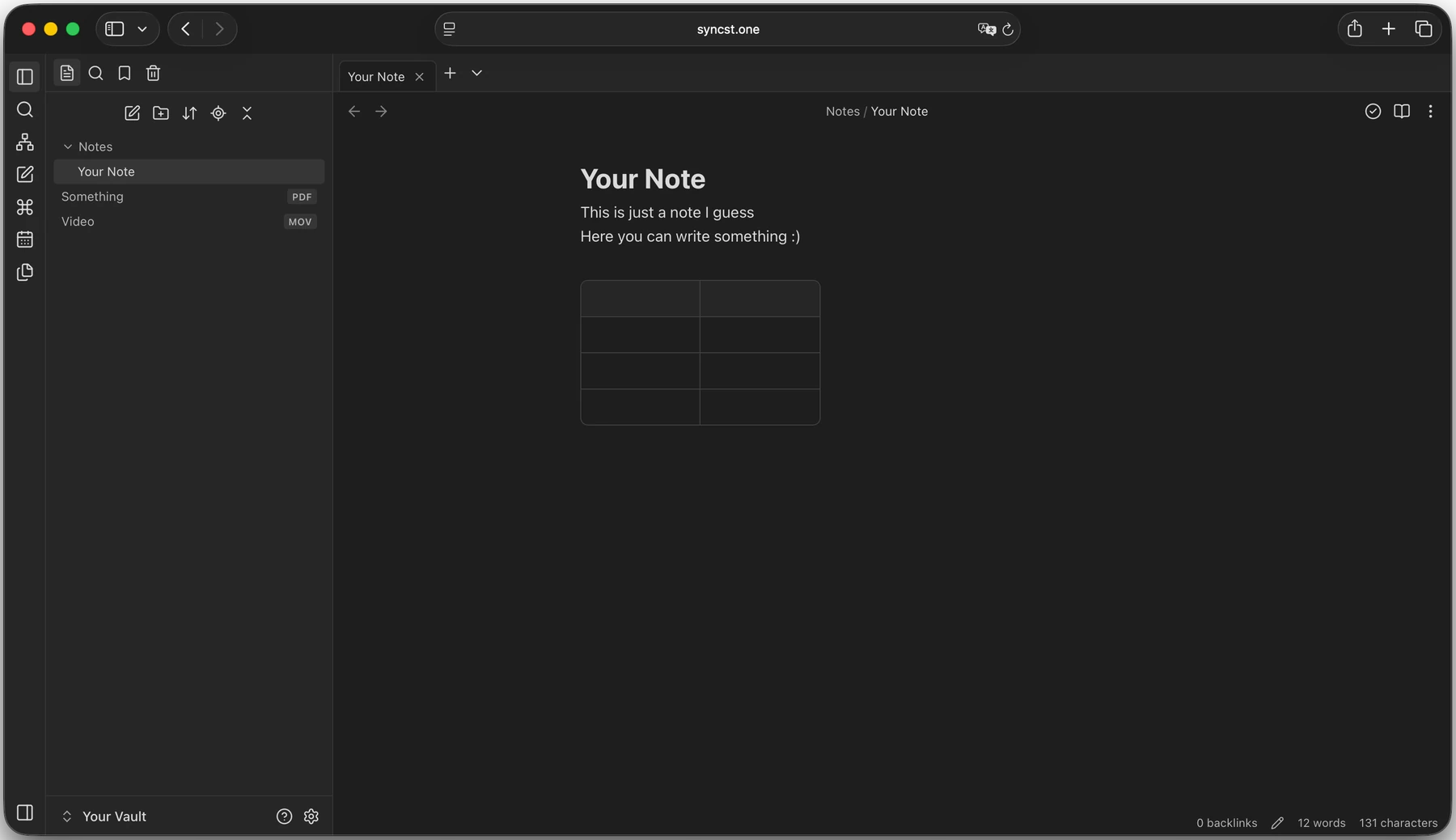
- In the browser
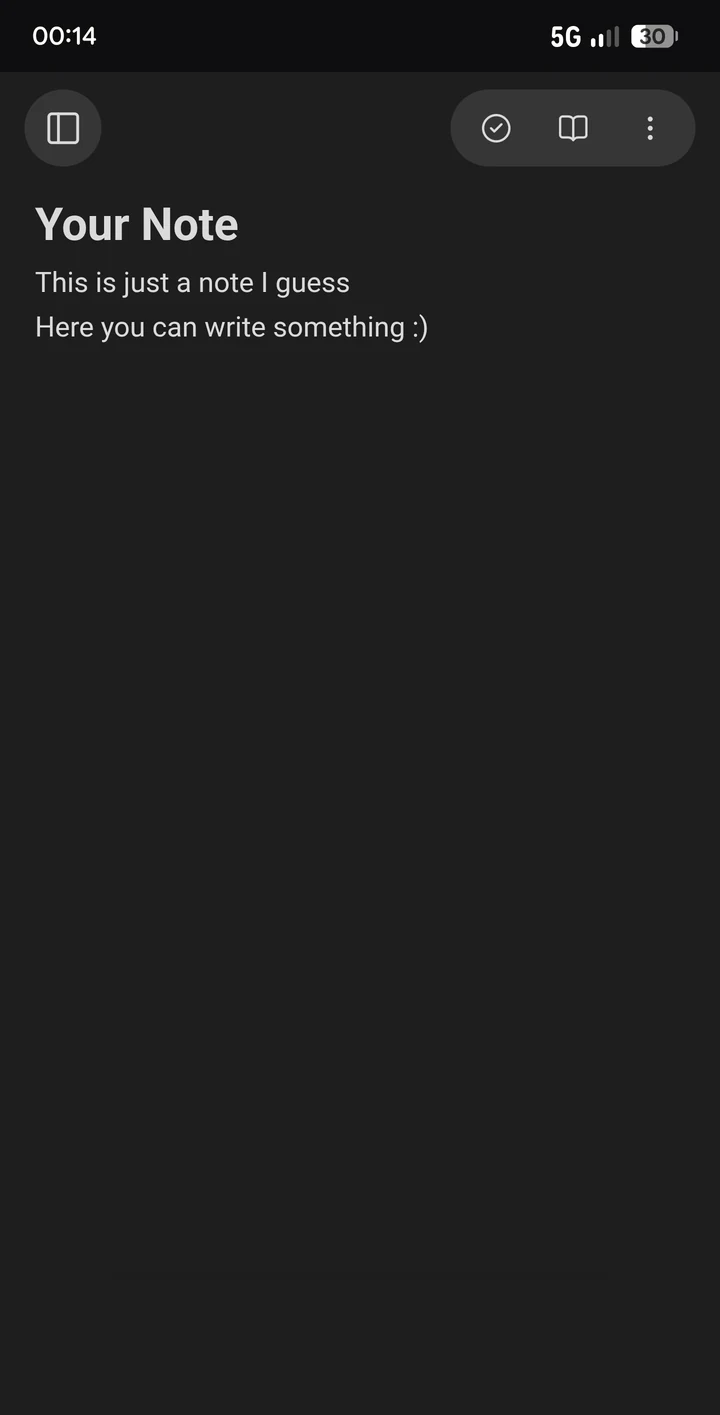
- On your phone
- In Obsidian
01
End-to-end encrypted
All files are encrypted on the server. Only you can read them.
02
Share single notes
Send a single note as a link, without sharing the whole vault.
03
Files on every device
Notes, images and PDFs are on all your devices, always up to date.
04
Web editor
Open your vault in the browser, with explorer, live preview and graph view. No Obsidian needed.
05
Live collaboration
Several people in one note, with cursors and edits in real time.
06
Share vaults
Work on a vault together with other people.
01
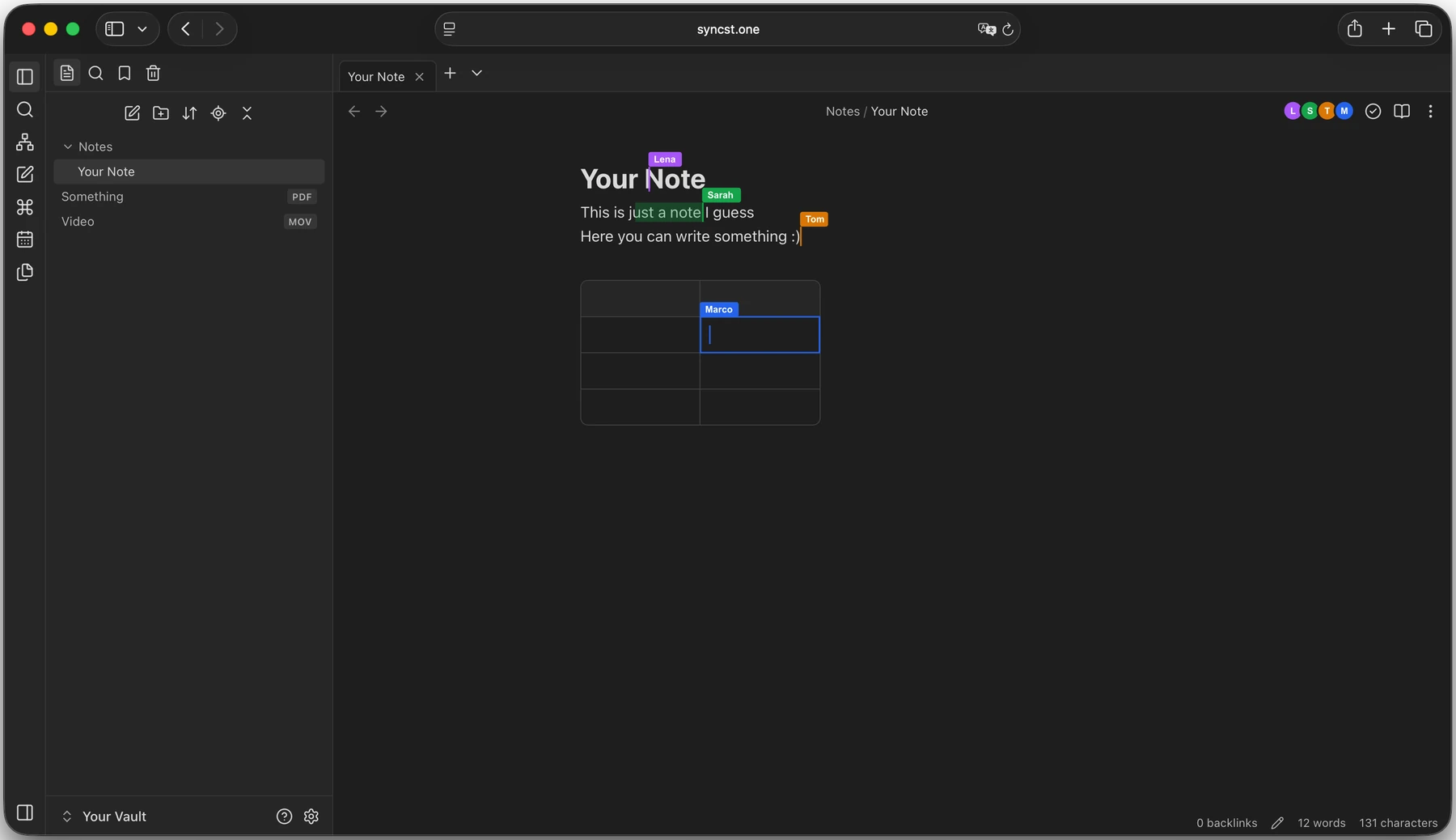
Live collaboration
Work on the same note at the same time, in the browser or in Obsidian. Everyone sees the others' cursors with their names, and every change shows up at once.
02
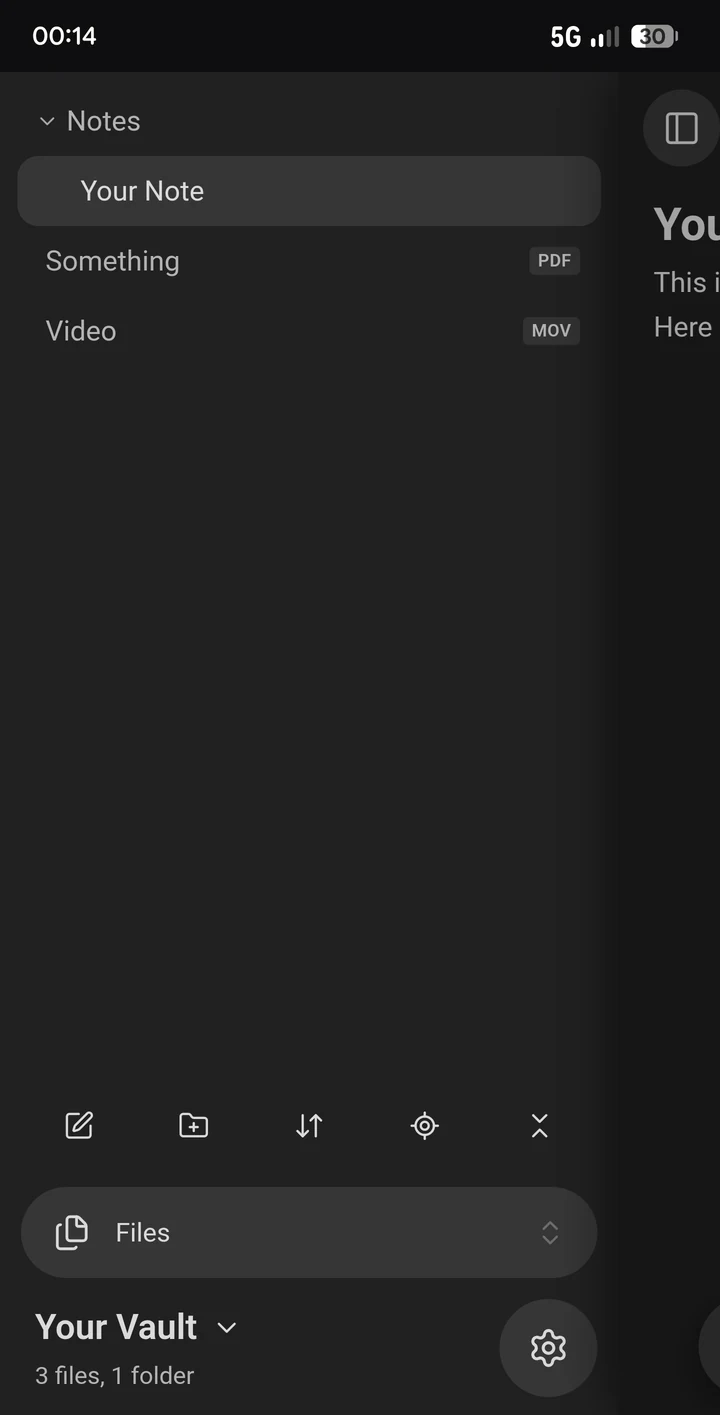
The editor in your browser
Works completely in the browser, even on your phone. Live preview, tasks, tables, callouts, links and search.
03
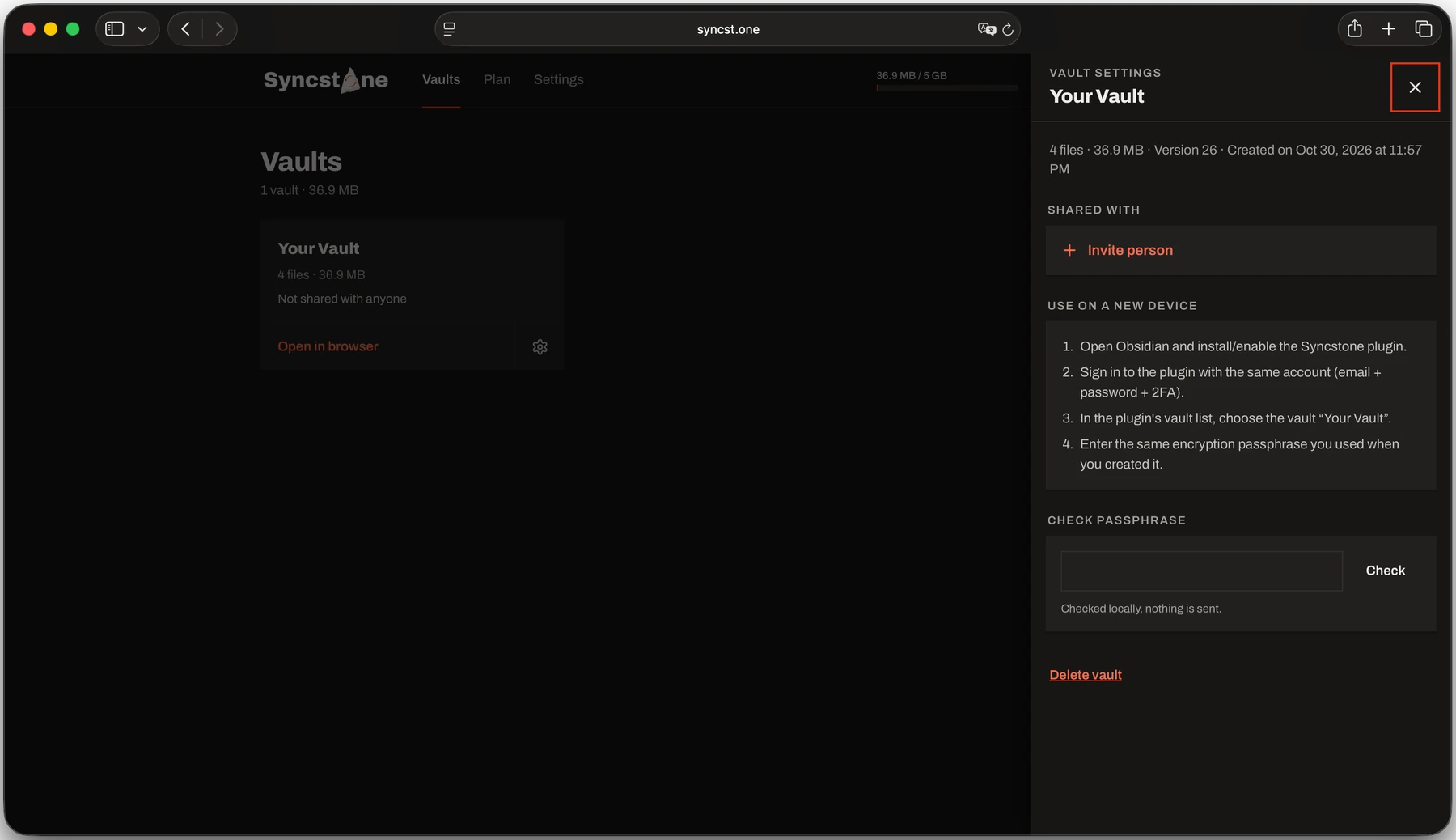
Share vaults
Share a vault with other people and work on the same notes together, still end-to-end encrypted. Single notes can be shared as well.
Getting started
1
Install the Syncstone plugin with BRAT. Soon it will also be in the Obsidian community plugins.
2
Log in with your Syncstone account. There is no server to set up.
3
Pick a vault. It syncs from then on, in the background.
Coming soon to the Obsidian community plugins. Until then you can install it with BRAT. BRAT guide
Pricing
Simple plans. Pick the storage you need.
Not settled yet. Syncstone is free to use while it is in beta.
Looking for self-hosting? It is coming soon!
Your vault, on every device.
Get the plugin